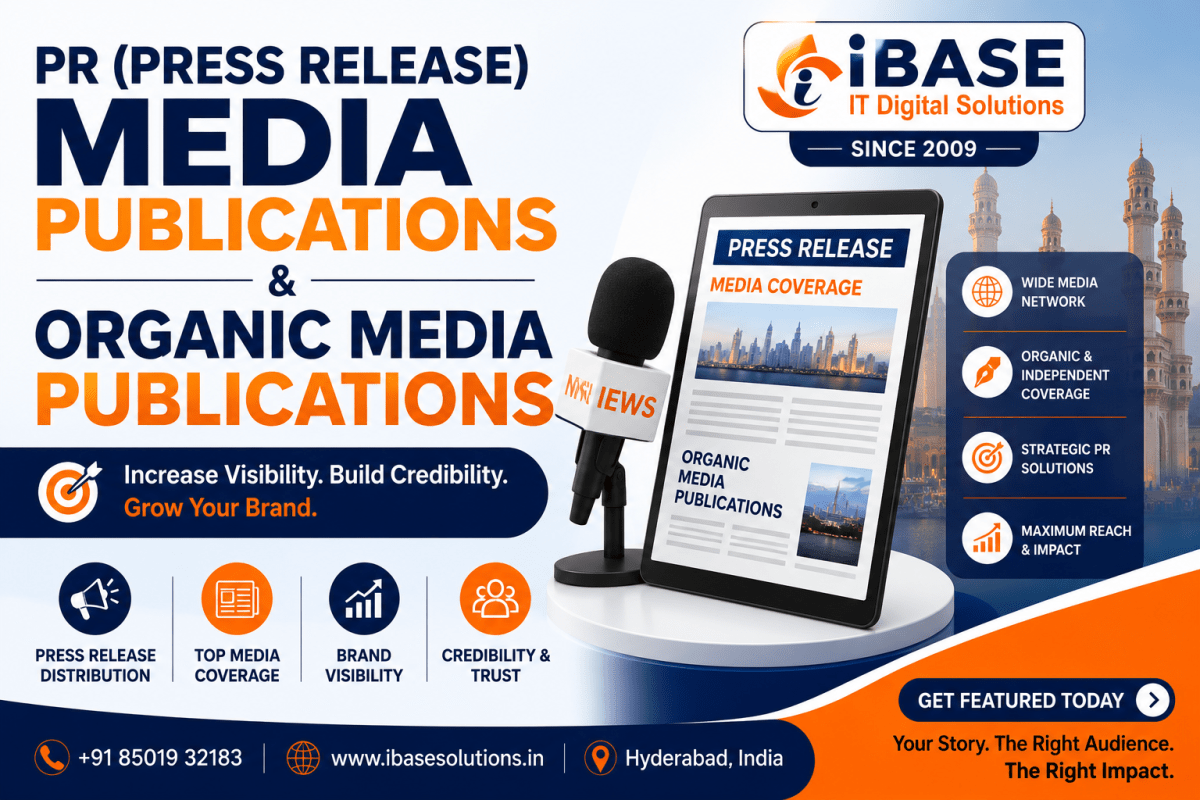
Press Release Distribution & Organic Media Article Publications
Build your brand visibility with professional PR, press release distribution and media publication services.
iBase IT Digital Solutions Pvt. Ltd. is a PR and digital media services company based in Hyderabad, serving businesses, startups, entrepreneurs, founders and professionals across India.
We help clients communicate genuine business developments, achievements and professional stories through:
- Press Release Writing
- Press Release Distribution
- Organic Media Article Publications
- Founder and Entrepreneur Profiles
- Brand and Business Stories
- Product and Service Launch PR
- Corporate Announcements
- Personal Branding PR
- Regional and National Media Campaigns
Our goal is simple: identify the right story, develop professional content and connect it with suitable media opportunities.
About iBase IT Digital Solutions
Established in 2009, iBase IT Digital Solutions Pvt. Ltd. provides digital marketing, PR, media publication, SEO, online reputation management, website development, content writing and branding services.
With experience across digital media and online visibility, we help businesses and professionals build a stronger public presence through strategic communication and credible digital content.
Our PR services focus on two important areas: Press Release Distribution and Organic Media Article Publications.
Our PR & Media Services
Press Release Writing & Distribution
A press release is an official announcement used to communicate important business or professional developments.
We write and distribute press releases for:
- Business and Product Launches
- Company Expansion
- Funding Announcements
- Strategic Partnerships
- Leadership Appointments
- Awards and Achievements
- Events and Conferences
- Corporate Milestones
- New Services and Initiatives
Our team develops clear, factual and media-ready press releases and supports distribution through relevant digital news and media platforms.
Press releases are particularly useful for timely announcements, brand communication and online visibility.
Organic Media Article Publications
Organic media coverage is different from standard press release distribution.
While a press release communicates information supplied by a company or individual, an organic media article generally involves independent editorial consideration and may be developed around a person’s journey, business growth, industry contribution, expertise or other newsworthy developments.
Organic media opportunities may include:
- Founder and Entrepreneur Profiles
- Business Features
- Leadership Interviews
- Industry Commentary
- Expert Opinions
- Innovation Stories
- Professional Profiles
- Achievement-Based Features
Independent editorial coverage can contribute to public credibility, brand recognition, professional reputation and long-term digital visibility.
Publication opportunities depend on the strength of the story, editorial relevance and the individual publication’s requirements.
Top 10 Organic Media List:
Best suited for:
- The Hindu
- India Today
Purpose: To provide deeper, editorially relevant coverage of a person, company or subject.
A well-planned PR strategy may use both: press releases for timely announcements and organic media coverage for broader public recognition.
Founder, Entrepreneur & Business Profile PR
Every successful business has a story behind it.
We help founders, entrepreneurs and companies present their journeys through professionally developed media content.
Stories may focus on:
- Professional Background
- Entrepreneurial Journey
- Business Vision
- Challenges and Growth
- Innovation
- Industry Contributions
- Leadership
- Major Achievements
- Future Plans
The content is developed around factual information and the strongest available story angle.
Product, Achievement & Event PR
We also support PR campaigns for important business developments, including:
Product & Service Launches
Communicate new products, services and business initiatives through launch announcements and media content.
Awards & Achievements
Highlight genuine professional recognition, business milestones and significant accomplishments.
Event PR
Build visibility around conferences, corporate events, exhibitions, educational programmes, product launches and social initiatives through pre-event and post-event communication.
Personal Branding Organic PR
A strong online presence can help professionals communicate their experience, expertise and achievements more effectively.
Our personal branding PR services are suitable for:
- Entrepreneurs
- Founders and CEOs
- Business Leaders
- Doctors
- Academicians
- Authors
- Artists
- Consultants
- Industry Experts
- Other Professionals
Depending on the objective, a personal branding strategy may include professional content, media visibility, SEO and online reputation support.
Media Coverage and Wikipedia
Media coverage can contribute to a person’s or organisation’s public documentation, but media publication does not automatically qualify a subject for a Wikipedia article.
Wikipedia generally looks for significant coverage in reliable and independent secondary sources.
Press Releases
Press releases are usually primary or organisation-supplied sources. They may help verify certain facts but generally do not establish independent notability by themselves.
Organic Editorial Coverage
Substantial independent coverage from reliable publications may be more relevant when evaluating a subject’s public notability.
However:
- Not every media article is a reliable source.
- Sponsored content may have limited value.
- Brief mentions may not demonstrate significant coverage.
- Multiple publications based on the same press release may not represent independent sources.
- Wikipedia has separate requirements for notability, sourcing, neutrality and conflicts of interest.
No PR or media agency can guarantee Wikipedia article approval, publication or permanent retention.
Who We Work With
Our PR and media services are suitable for:
- Startups
- Small and Medium Businesses
- Established Companies
- Entrepreneurs and Founders
- CEOs and Business Leaders
- Professionals
- Healthcare Organisations
- Educational Institutions
- Technology Companies
- Real Estate Businesses
- eCommerce Brands
- Authors and Artists
- NGOs and Social Organisations
How Our PR Process Works
- Share Your Story
Tell us about your announcement, achievement, business journey or PR objective.
- Story Evaluation
We identify the most suitable format, such as a press release, founder profile, business feature or other media content.
- Content Development
Our team prepares clear and professional content based on the information provided.
- Review & Approval
The content is reviewed for factual accuracy before proceeding.
- Media Process
Depending on the service, the approved content is distributed or considered for relevant media opportunities.
- Publication Report
Where applicable, published links and campaign details are shared with the client.
Why Choose iBase IT Digital Solutions?
Experience Since 2009
Our experience in digital marketing, SEO, content and online visibility helps us understand how PR fits into a wider digital strategy.
Press Release & Organic Media Solutions
We help identify the right communication format based on the story and campaign objective.
Professional Content Development
Our focus is on clear, factual and audience-appropriate content.
Regional & National Reach
Campaigns can be planned for different industries, audiences, languages and markets.
Integrated Digital Support
Our broader services include:
- Search Engine Optimisation
- Online Reputation Management
- Content Writing
- Personal Branding
- Social Media Management
- Website Development
- Digital Marketing
Build a PR Media Presence That Supports Your Brand
A strong media presence begins with a story worth telling and a clear communication strategy.
At iBase IT Digital Solutions Pvt. Ltd., we help businesses, founders, entrepreneurs and professionals communicate important stories through press releases, organic media opportunities and strategic PR services.
Whether you are announcing a new development, sharing a founder journey, launching a product or building professional visibility, our team can help you identify the right approach.
Ready to Start Your PR Media Campaign?
Share Your Story | Discuss Your PR Requirements | Request Media Options | Get a Custom Proposal.
………………………………………………………………………………………………………